In-App Browser
Preview web apps and public pages inside a task
The in-app browser opens web pages as tabs inside a task. Use it to preview a local dev server, open a public HTTP or HTTPS page, or keep the rendered app in the same task workspace as the agent, diff view, file editor, and terminal.
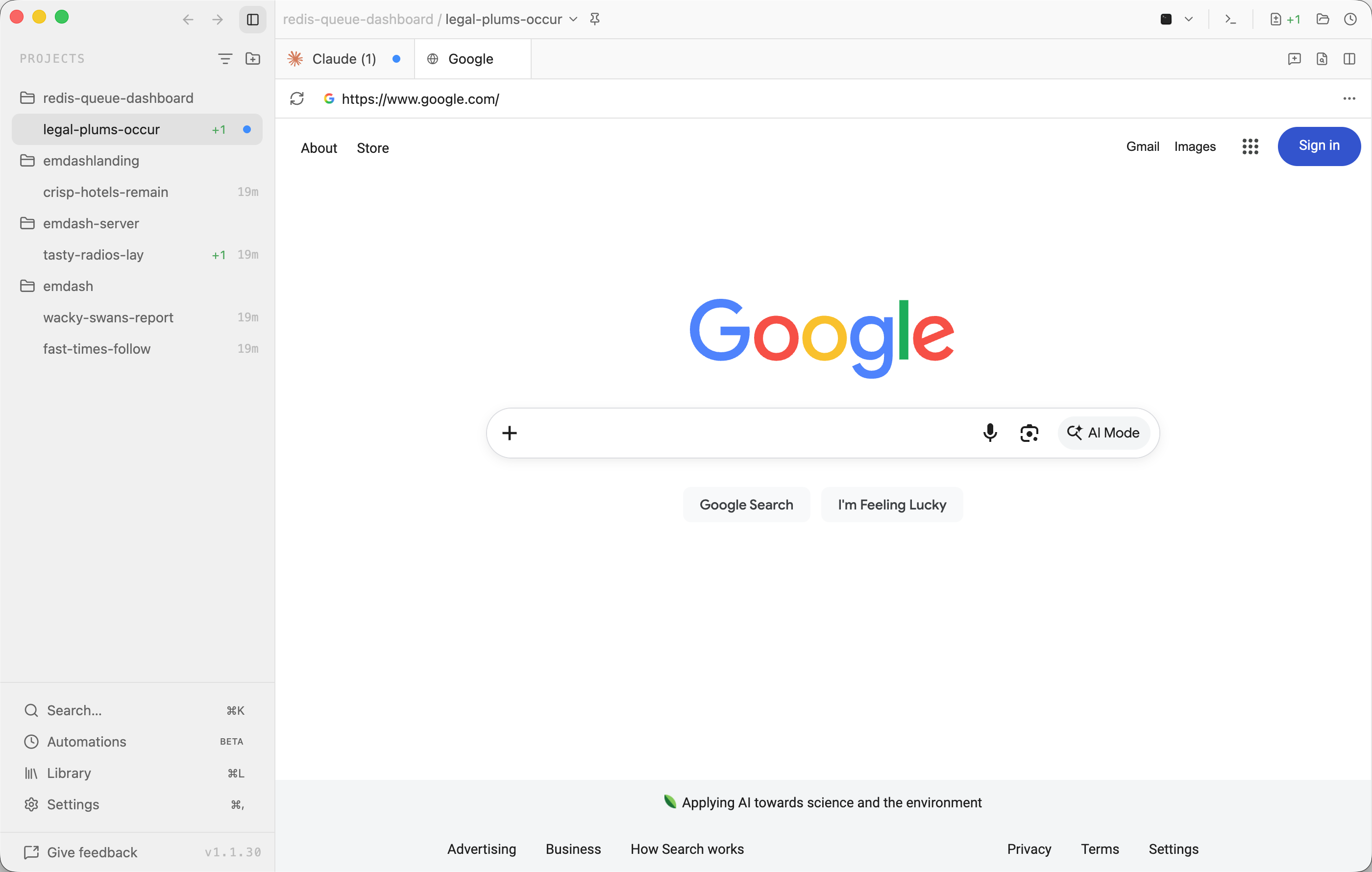
Opening the Browser
Open a task, then run Open Browser from the command palette or press ⌘⇧B on macOS and Ctrl+Shift+B on Windows/Linux.
If Emdash detects a running dev server for the task, the dev-server pill in the task title bar opens a menu. Choose Open in Emdash Browser to open that URL in a browser tab, or Open in System Browser to leave Emdash.
Navigation
Enter a URL in the browser toolbar and press Enter. Localhost-style URLs such as localhost:3000 open with http://; public domains such as example.com open with https://.
The toolbar shows the site favicon when available, URL, loading state, and reload or stop control. The browser actions menu includes:
- Open externally: Open the current HTTP or HTTPS page in your system browser.
- Open DevTools: Open Electron DevTools for the page in development builds.
- Clear browser storage: Clear cookies, local storage, IndexedDB, and cache for that browser session after confirmation.
Sessions
Each browser tab uses its own persistent Emdash browser session. Cookies, local storage, IndexedDB, and cache are isolated from other tasks, workspaces, and browser tabs.
Browser tabs are saved with the task view, so reopening Emdash restores the tab and its last URL. Closing a browser tab removes its in-memory session state. Use Clear browser storage when you also want to clear the persisted page storage for that browser session.
Limits
The in-app browser supports http:, https:, and about:blank navigation. It blocks unsupported schemes such as javascript:, data:, and file:.
Emdash does not reuse your Chrome profile, load browser extensions, or share existing system-browser sign-in state. Use the system browser for authenticated flows or pages that require your normal browser profile.