Tasks
How to work on tasks in Emdash
A task is a unit of work for an agent. Each task gets its own git branch and worktree, keeping changes isolated until you merge.
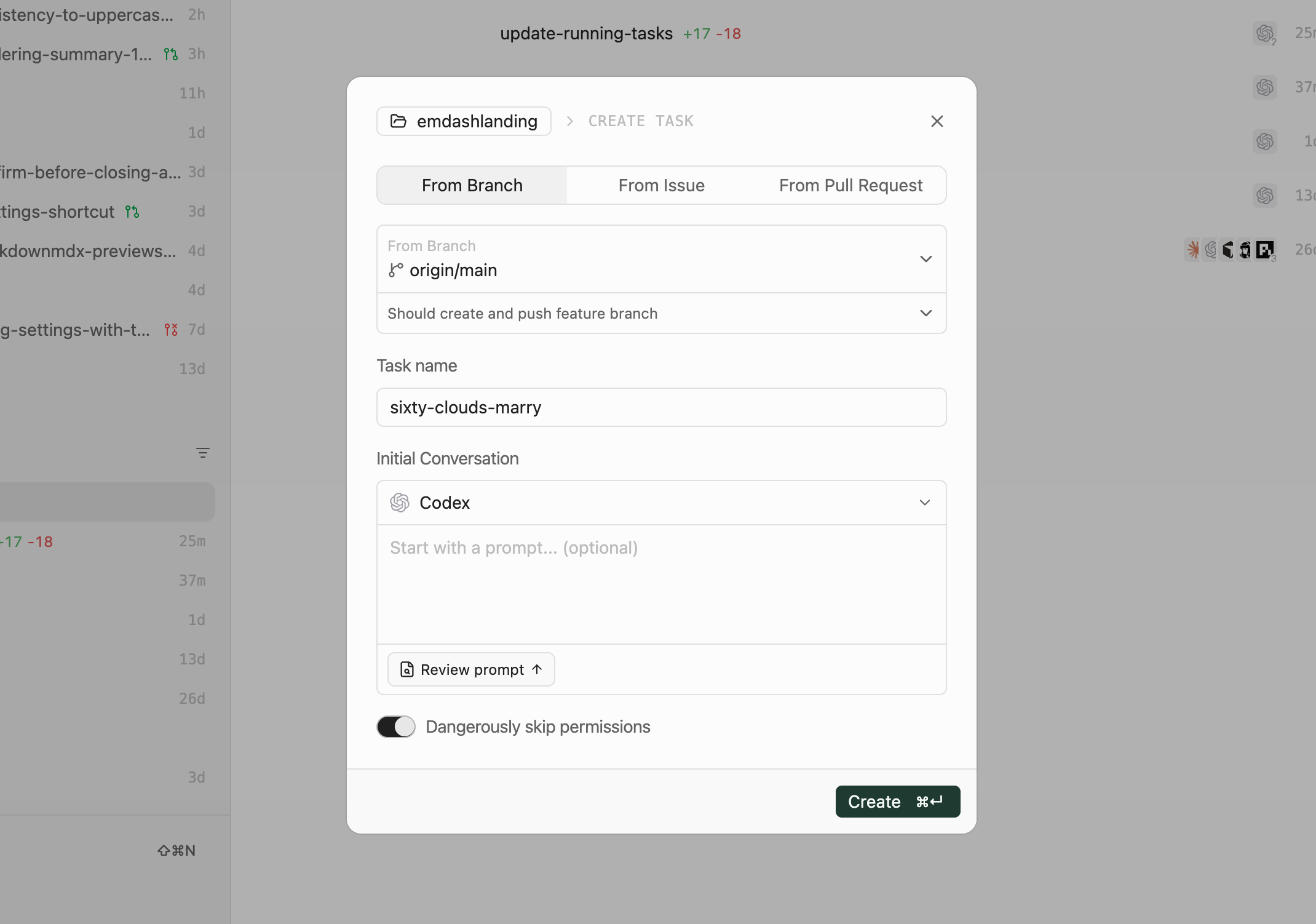
Creating a Task
- Click Add Task or press
⌘N - Choose how to start the task: from a branch, issue, or pull request
- Enter a name (or let Emdash auto-generate one)
- Select a provider (Claude Code, Codex, Qwen, etc.)
- Click Create
The agent spawns in a terminal and starts working.
Worktrees
By default, each task creates a git worktree—a separate copy of your codebase on its own branch. This keeps agent changes isolated from your main branch and other tasks and prevents agents from interfering with each other.
Local project worktrees are created in your configured worktree directory, which defaults to ~/emdash/worktrees. Remote SSH project worktrees default to .emdash/worktrees inside the remote project.
You can disable worktrees to work directly on your checked out branch. A warning appears since changes won't be isolated.
After Starting
Once a task starts:
- Emdash prepares the selected branch, pull request, or worktree for the task
- The agent spawns in the terminal
- Chat with the agent or let your initial prompt guide it
Terminal state saves automatically. Close and reopen Emdash, and agents resume where they left off.